
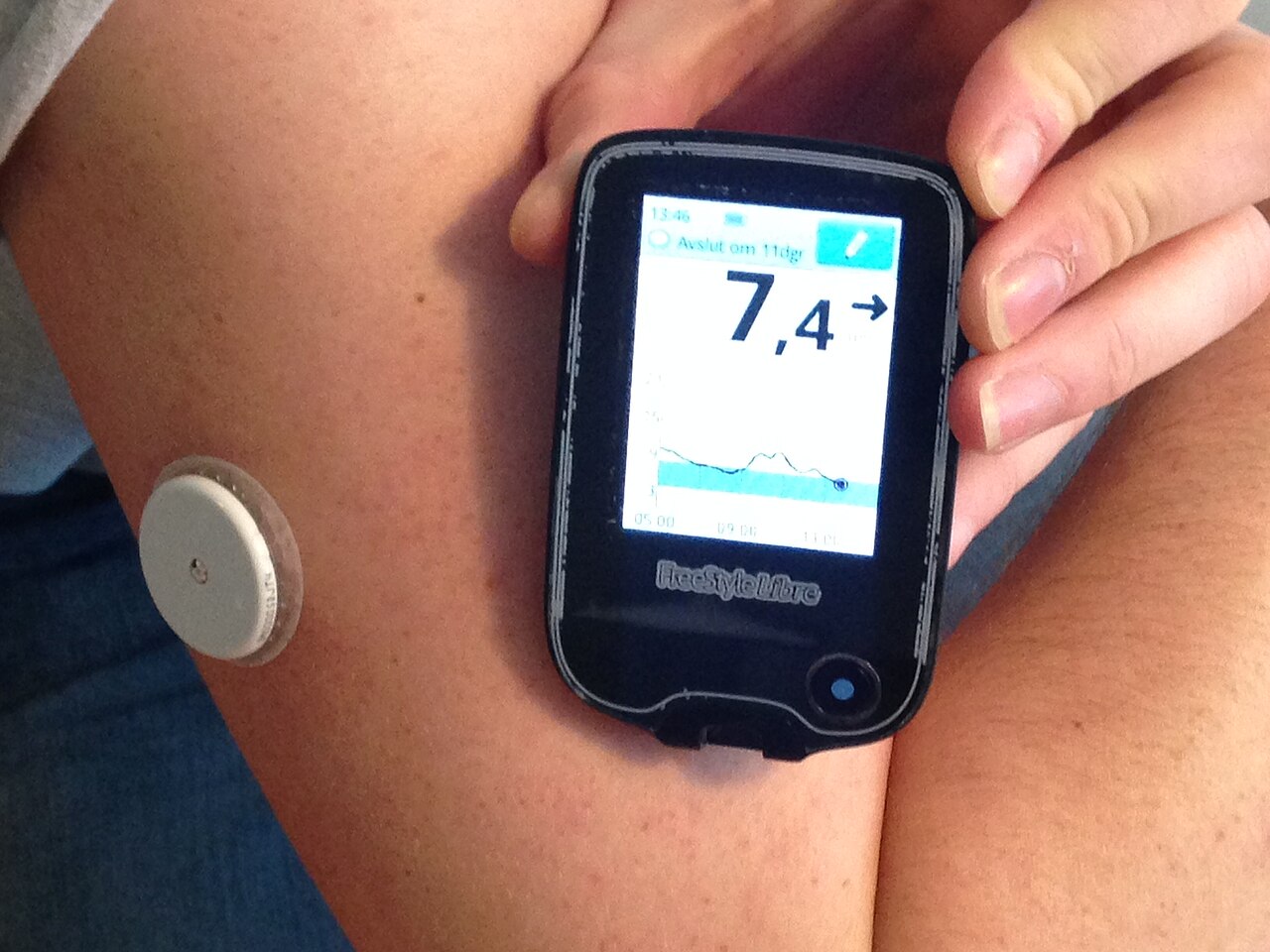
If you mean continuous glucose monitor (CGM) alarms, the best way to reduce false or annoying alarms is to adjust the alarm thresholds and use the sensor’s predictive/snooze features appropriately.
Practical CGM alarm settings
Low glucose alarm: Set it high enough to give you time to respond, but not so high that normal fluctuations trigger it constantly.
For many adults, 70 mg/dL (3.9 mmol/L) is a reasonable starting point.
High glucose alarm: Avoid setting this too low if your glucose commonly rises after meals. A threshold around 180–200 mg/dL (10–11.1 mmol/L) may reduce unnecessary alerts, depending on your treatment goals.
Urgent low: Keep the urgent-low alarm enabled if your CGM offers one. These alarms are generally designed to be harder to silence because they can indicate potentially dangerous hypoglycemia.
Rate-of-change alarms: If your CGM has these, consider disabling or widening them if you’re getting frequent alerts from temporary glucose swings rather than clinically important changes.
Predictive low alerts: These can be useful because they warn you before glucose reaches the low threshold. However, if they’re repeatedly triggered without actual hypoglycemia, review the threshold and sensor accuracy.
Delay/snooze: Use these when available so the same event doesn’t repeatedly alert you after you’ve already taken corrective action.
During sleep: Don’t simply turn off important low-glucose alarms. Instead, consider using a less disruptive notification sound/vibration if your device allows it.
A very important point: false alarms aren’t always caused by bad settings
CGMs can occasionally show readings that don’t match how you feel or what a blood-glucose meter shows.
Pressure on the sensor while sleeping (“compression lows”), sensor placement, dehydration, rapidly changing glucose, and a sensor that is nearing the end of its wear period can contribute.
If an alarm says you’re very low but you don’t have symptoms and the reading doesn’t make sense, confirm with a finger-stick glucose meter if one is available, particularly before making a major treatment decision.
If you’re getting frequent false alarms, tell me which CGM you’re using (e.g., FreeStyle Libre, Dexcom, Medtronic) and whether the problem is mainly low, high, or overnight alarms. I can give you the specific settings I’d consider for that sensor.
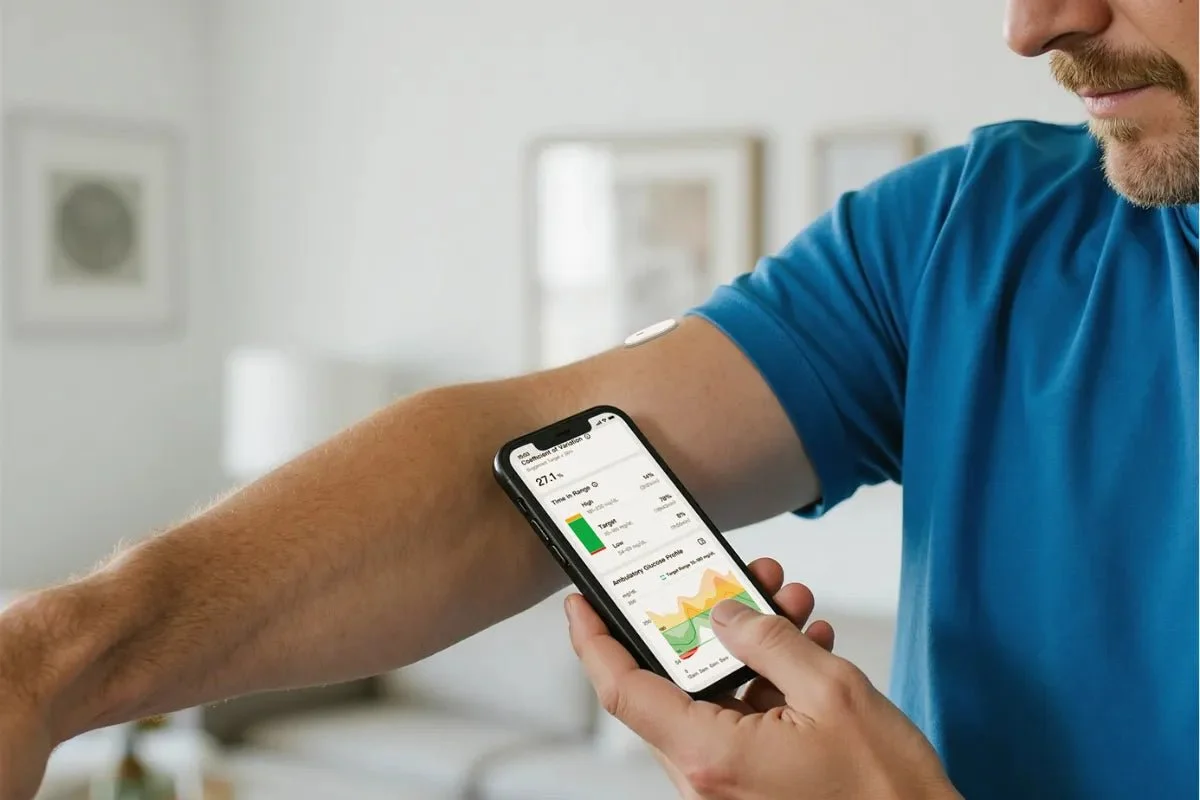
How to identify which alarms are actually false
Before changing your settings, look for a pattern:
1. Repeated overnight low alarms
If lows happen mostly when you’re sleeping on the sensor, they may be compression lows. Lying directly on the sensor can temporarily reduce the interstitial glucose signal and produce an artificially low reading.
2. High alarms shortly after meals
A glucose rise after eating isn’t necessarily a problem. If your high alarm is set close to your usual post-meal peak, you’ll receive frequent alerts even when the glucose subsequently comes down normally.
3. Rapid-rise or rapid-fall alarms
These can be particularly noisy after meals, exercise, or insulin administration. If they’re repeatedly alerting you without requiring action, consider whether you actually need those notifications.
4. Alarms that don’t match symptoms or a meter reading
If the CGM repeatedly reports an unexpected extreme value, check it against a blood-glucose meter when appropriate. A persistent discrepancy may indicate a sensor problem rather than an alarm-setting problem.
A good strategy: separate “action” alarms from “information” alarms
Not every glucose notification needs to wake you up or demand immediate action.
For example:
| Alarm | Suggested approach |
|---|---|
| Urgent low | Keep enabled |
| Low glucose | Keep enabled, choose an appropriate threshold |
| High glucose | Set according to your treatment goals |
| Rapid rise | Disable or widen if it’s mostly informational |
| Rapid fall | Keep if you are at risk of hypoglycemia |
| Signal loss | Keep enabled, especially if you depend on CGM overnight |
The exact thresholds should be individualized, particularly if you use insulin or medications that can cause hypoglycemia.
Don’t repeatedly “chase” CGM readings
One common source of unnecessary alarms is reacting to every small glucose movement. CGMs measure interstitial glucose, not blood glucose directly, so their readings can lag behind blood glucose, especially when glucose is changing rapidly.
Instead of reacting to every small fluctuation, focus on:
the direction → the magnitude → the trend → whether you actually need to take action.
For example, a reading of 175 mg/dL that’s steadily falling may require a very different response from 175 mg/dL that’s rapidly rising.
When you should NOT simply raise the alarm threshold
Be careful about changing alarms just because they’re annoying.
If you’re experiencing:
recurrent glucose below 70 mg/dL (3.9 mmol/L)
severe or prolonged hypoglycemia
hypoglycemia unawareness
nighttime lows
insulin-related lows
repeated unexplained extreme readings
it’s better to discuss the alarm strategy with your diabetes clinician rather than simply turning the alarms off.
How to fine-tune alarms over several days
Rather than changing every alarm at once, adjust one setting at a time and observe what happens.
Step 1: Track the alarms for 2–3 days
Make a simple note of:
Time of the alarm
Glucose value
Whether you were eating, exercising, sleeping, or taking medication
Whether the alarm required any action
Whether a finger-stick measurement confirmed the CGM value, when appropriate
This helps distinguish a genuinely useful alarm from a recurring nuisance.
Step 2: Look for patterns
For example:
Mostly after meals → your high threshold may be too aggressive.
Mostly during exercise → your low or falling-glucose alarm may need attention.
Mostly overnight → consider sensor compression or your nighttime glucose pattern.
Random extreme readings → investigate sensor accuracy or placement rather than simply changing the alarm.
Repeated alarms shortly after treating a low → a snooze/repeat setting may help prevent alarm fatigue.
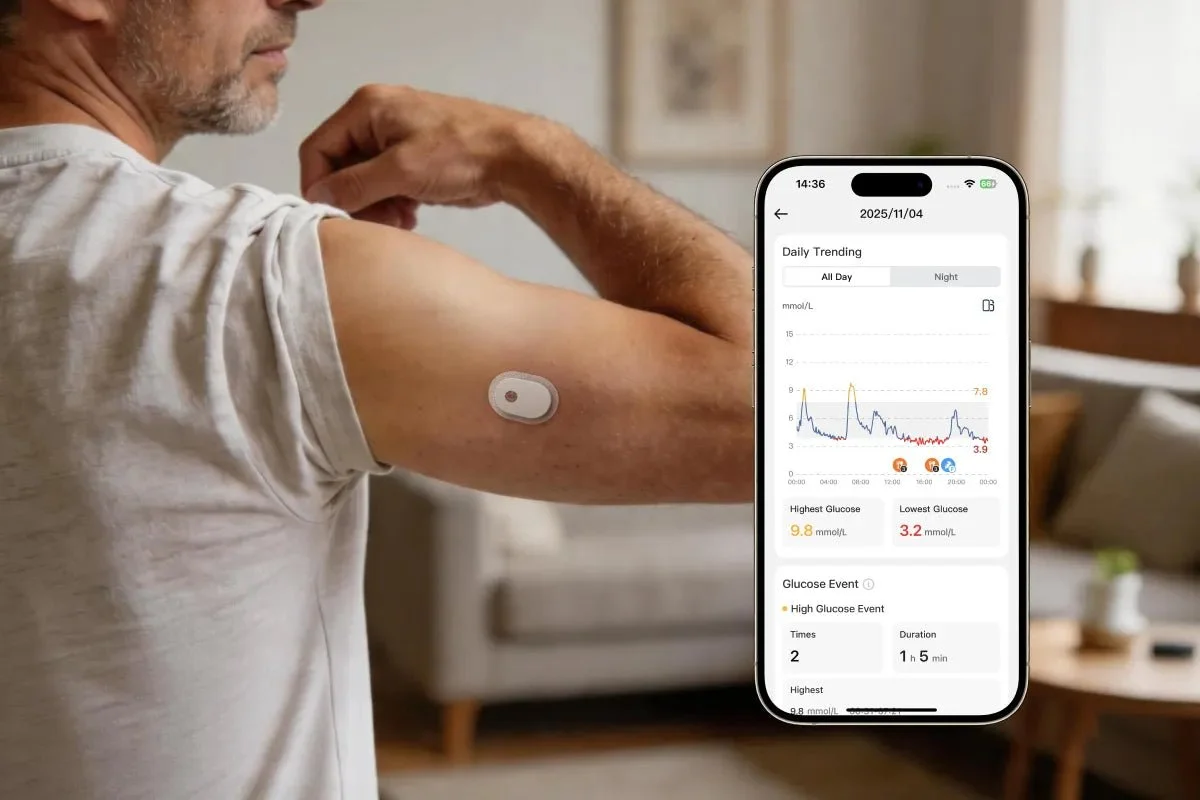
Alarm fatigue is worth taking seriously
If a CGM produces too many notifications, people can become desensitized and eventually start ignoring alarms—including important ones.
The goal isn’t to eliminate alarms. It’s to make sure that the alarms you hear are meaningful enough that you’ll pay attention to them.
A useful hierarchy is:
Urgent → needs immediate attention
Important → probably requires action
Informational → useful to know but doesn’t need an immediate response
Your most important alarms should remain active and noticeable, while less actionable notifications can often be reduced.
Exercise deserves special consideration
Exercise can cause glucose to fall during activity or even for several hours afterward. If you exercise regularly, don’t automatically raise your low alarm just because you get occasional exercise-related alerts.
Instead, look at the trend arrow and timing. Someone whose glucose is 90 mg/dL and falling rapidly may need more attention than someone whose glucose is 65 mg/dL but already recovering after treatment.
If you use insulin, exercise-related alarm settings should be coordinated with your diabetes treatment plan because insulin doses, food intake, and activity can interact significantly.
Sensor placement can also reduce apparent “false” alarms
Follow your manufacturer’s approved placement instructions. A sensor that is repeatedly compressed, knocked, improperly attached, or placed where there’s insufficient tissue may produce unreliable readings.
If the same sensor repeatedly gives implausible readings, don’t keep modifying your alarm thresholds to compensate for it. The underlying sensor issue should be addressed.
One final rule
Never disable a safety-critical low-glucose alarm simply because it is inconvenient.
If alarms are waking you frequently or becoming overwhelming, the better approach is to identify why they’re occurring and adjust the settings or treatment plan appropriately.
If you tell me which CGM you’re using (FreeStyle Libre, Dexcom, Medtronic, etc.), I can continue with the exact alarm settings and what each setting does on that specific device.
A practical example of alarm optimization
Suppose your CGM is repeatedly giving you high-glucose alerts after meals. Instead of immediately turning the alarm off, look at what happens afterward.
For example:
Before meal: 100 mg/dL
1 hour after meal: 165 mg/dL
2 hours after meal: 135 mg/dL
3 hours after meal: 105 mg/dL
If your high alarm is set at 160 mg/dL, you’ll receive an alert even though your glucose is following a temporary post-meal rise and returning toward baseline.
In this situation, a slightly higher high-glucose threshold or a different alert strategy may reduce unnecessary notifications.
On the other hand:
Before meal: 150 mg/dL
2 hours later: 210 mg/dL
3 hours later: 240 mg/dL
4 hours later: 250 mg/dL
That’s a very different pattern. The alarm may be providing useful information rather than being a false alarm.
Consider the trend, not just the number
CGMs provide information about the direction of glucose movement. A single reading can be misleading without its trend.
For instance:
90 mg/dL + rapidly falling → potentially important
90 mg/dL + stable → generally less concerning
180 mg/dL + rapidly rising → may deserve attention
180 mg/dL + steadily falling → different situation
This is one reason that setting every alarm extremely close to the “ideal” glucose range can create unnecessary notifications.
Use different settings for different situations
Some CGMs allow temporary or customized alarm settings. If yours does, you may be able to use different approaches for:
Sleep:
Prioritize important low-glucose alerts and minimize nonessential notifications.
Exercise:
Pay closer attention to falling glucose, particularly if you’re at risk for hypoglycemia.
Work or meetings:
Use vibration or a quieter notification when appropriate, while keeping safety-critical alerts active.
Illness:
You may want closer monitoring because glucose can behave differently when you’re sick.
Don’t rely on alarm settings alone
CGM alarms are a safety and monitoring tool, not a substitute for an individualized diabetes management plan.
If you’re experiencing frequent unexplained highs or lows, repeated nighttime alarms, or significant differences between your CGM and blood-glucose meter, the underlying cause should be investigated rather than simply making the alarms less sensitive.
Also, if your CGM gives you a very low reading or a reading that doesn’t match how you feel, follow your device’s instructions for confirming the result when appropriate, particularly before making a treatment decision.
The ideal setup
A well-configured CGM should accomplish three things:
1. Catch genuinely dangerous glucose levels.
2. Give you enough time to respond.
3. Avoid so many unnecessary notifications that you start ignoring the alarms.
That’s the balance you’re looking for: fewer alarms, but better alarms.